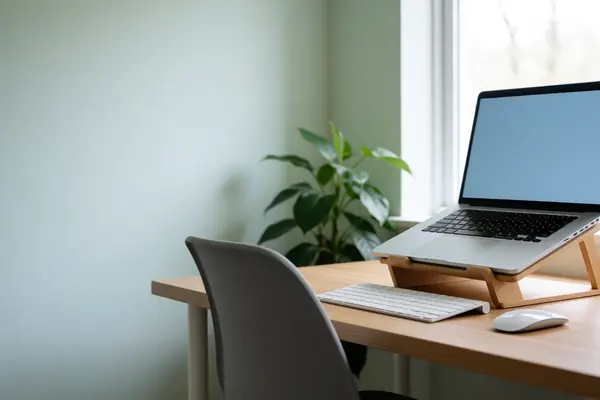
KEYBOARD
Elbows, not shoulders
HSE suggests the keyboard just below elbow height and sitting high enough that you do not shrug your shoulders, with the screen and keyboard straight in front of you.
Check your desk computechwear
WHAT THE GUIDANCE SAYS
Your hands do most of the computing.
Check your desk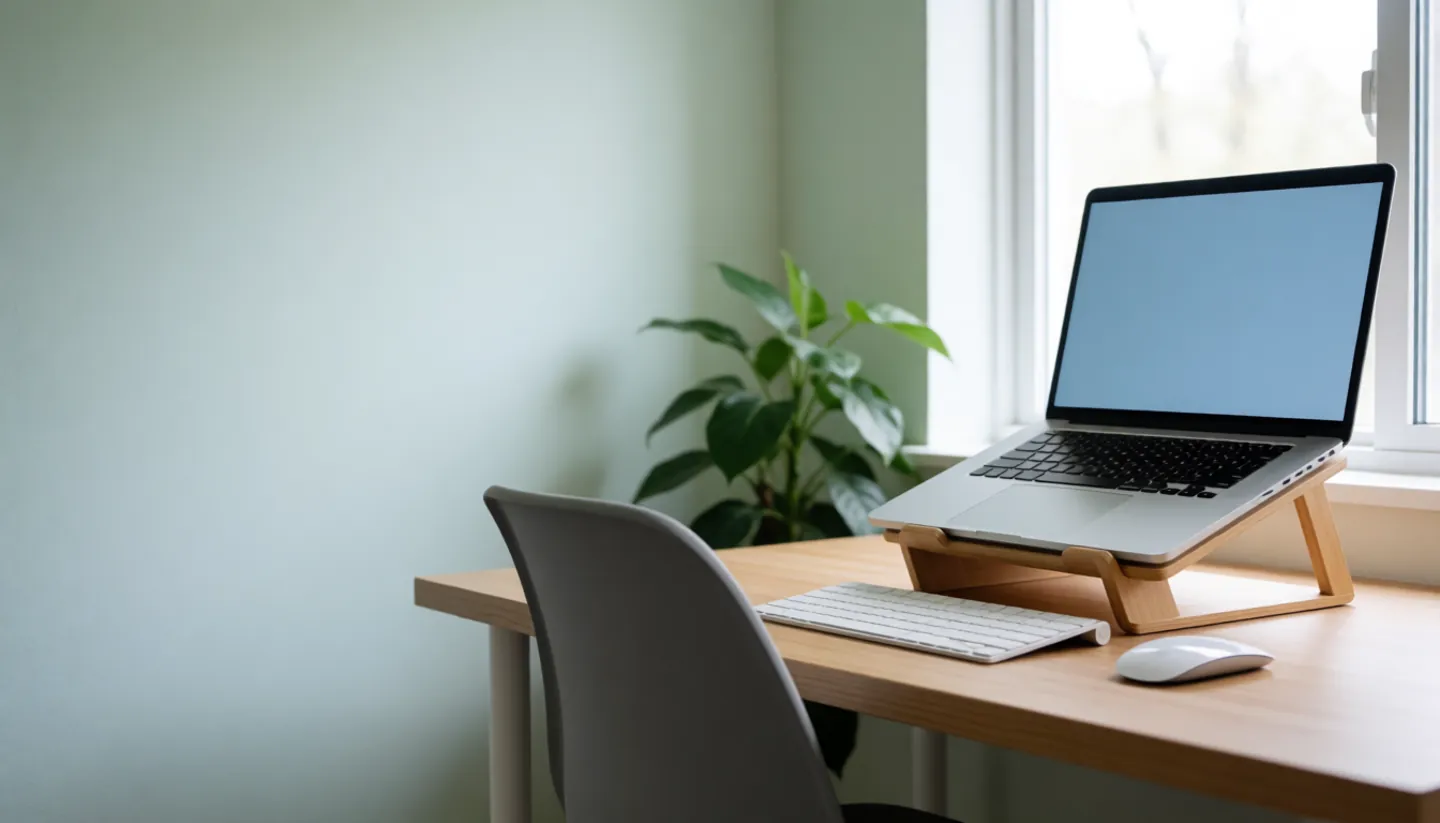
ELBOWS LOWbreaks often
Keyboard and repetitive work are among the main causes people give for work-related aches in Great Britain. HSE guidance comes back to a few simple things: where the keyboard and mouse sit, how a laptop is set up, and how often you stop.
At a glance
211,000
Workers with work-related MSDs mainly there, 2024/25
Of 511,000 workers with work-related musculoskeletal disorders in 2024/25, HSE estimates 211,000 cases mainly affected the upper limbs or neck.
UPPER LIMBS OR NECK · HSE
41%
Share of work-related MSD cases, 2024/25
HSE says 41% of work-related musculoskeletal disorders in 2024/25 affected the upper limb or neck, 43% the back and 15% the lower limbs.
SHARE OF CASES · HSE
TWO NUMBERS WORTH KNOWING
HSE's 2025 statistics for Great Britain,
from the Labour Force Survey.
HSE lists manual handling, awkward or tiring positions, and keyboard or repetitive work as the main causes people reported (Labour Force Survey, 2009/10 to 2011/12).
A QUICK DESK CHECK
Pick a common set-up to see what HSE and NHS guidance says about it. The bar shows how much the guidance suggests changing.
Based on HSE guidance on working safely with display screen equipment and the NHS page on RSI. This is general information, not personal medical advice.
THE SHORT ANSWER
Strain builds from repeated movement and awkward positions.
Guidance tackles both.
KEYBOARD
HSE suggests the keyboard just below elbow height and sitting high enough that you do not shrug your shoulders, with the screen and keyboard straight in front of you.
Check your deskLAPTOPS
For prolonged laptop use, HSE suggests a separate keyboard and mouse, so the laptop screen can be raised on a riser or similar.
How to set it upBREAKS
HSE says short, frequent breaks beat long, rare ones: 5 to 10 minutes every hour is better than 20 minutes every 2 hours.
See the numbers
FOUR CHANGES TO TRY
HSE says home workers may not need office furniture to get a comfortable posture. Most of these use what you already have.
Sit high enough that you do not shrug, with the keyboard just below elbow height. A cushion can raise the seat if the chair will not go higher.
Keep the mouse in line with your elbow and the screen and keyboard straight ahead, so you are not twisting or reaching.
For long sessions, put the laptop on a riser or a stack of books and use a separate keyboard and mouse. The top of the screen should be level with your eyes.
Take a few minutes away every hour: stand, walk, stretch or switch to a phone call. HSE says users should ideally choose when to break.
IF IT ALREADY ACHES
The NHS describes RSI as pain from repeated movement, often in the forearms, wrists, hands or fingers, and says it often gets better on its own. It advises keeping active and not resting the area for more than a few days.
It also suggests speaking to your employer about changing the way you work. HSE says that where an assessment shows equipment is needed, workers cannot be charged for it.

Questions
HSE's posture guide says just below elbow height, with relaxed shoulders, the keyboard and screen central in front of you and the mouse in line with your elbow.
HSE suggests that for prolonged laptop use you use a separate keyboard and mouse so the screen can be raised on a riser, or use a separate display screen.
There is no legal rule on length. HSE says short breaks often are better than long ones rarely, for example 5 to 10 minutes every hour rather than 20 minutes every 2 hours.
HSE says the DSE regulations can apply to long-term home and hybrid workers who use screens daily for an hour or more at a time, and that workers cannot be charged for equipment an assessment shows they need.
The NHS says see a GP if RSI symptoms are not going away or are getting worse. In many areas you can also refer yourself to NHS musculoskeletal (MSK) services.
Sources
ABOUT THIS NAME
computechwear.com is part of the DoodleSale portfolio. It isn't in an auction right now, but you can ask about leasing it.